
Free · No login · No watermark
Instagram Video Downloader
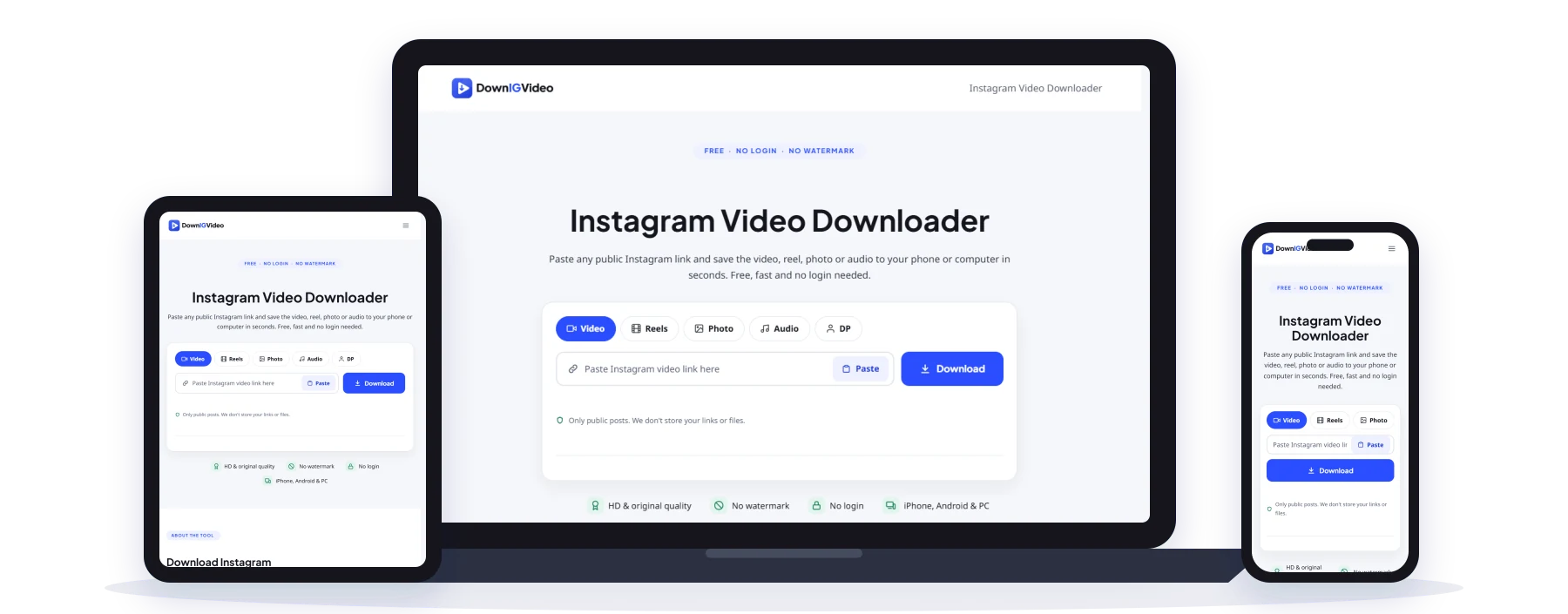
Paste any public Instagram link and save the video, reel, photo or audio to your phone or computer in seconds. Free, fast and no login needed.
Only public posts. We don't store your links or files.
- HD & original quality
- No watermark
- No login
- iPhone, Android & PC
Table of Contents 9 sections
- Download Instagram Videos, Reels and Photos in Original Quality
- How to Download Instagram Videos in 3 Simple Steps
- What You Can Download With DownIGVideo
- Why Choose Our Instagram Video Downloader?
- How to Download Instagram Videos on iPhone, Android and PC
- Is It Safe and Legal to Download Instagram Videos?
- Tips to Download Video Instagram Posts Without Errors
- What Works and What Doesn't
- Frequently Asked Questions
About the tool
Download Instagram Videos, Reels and Photos in Original Quality
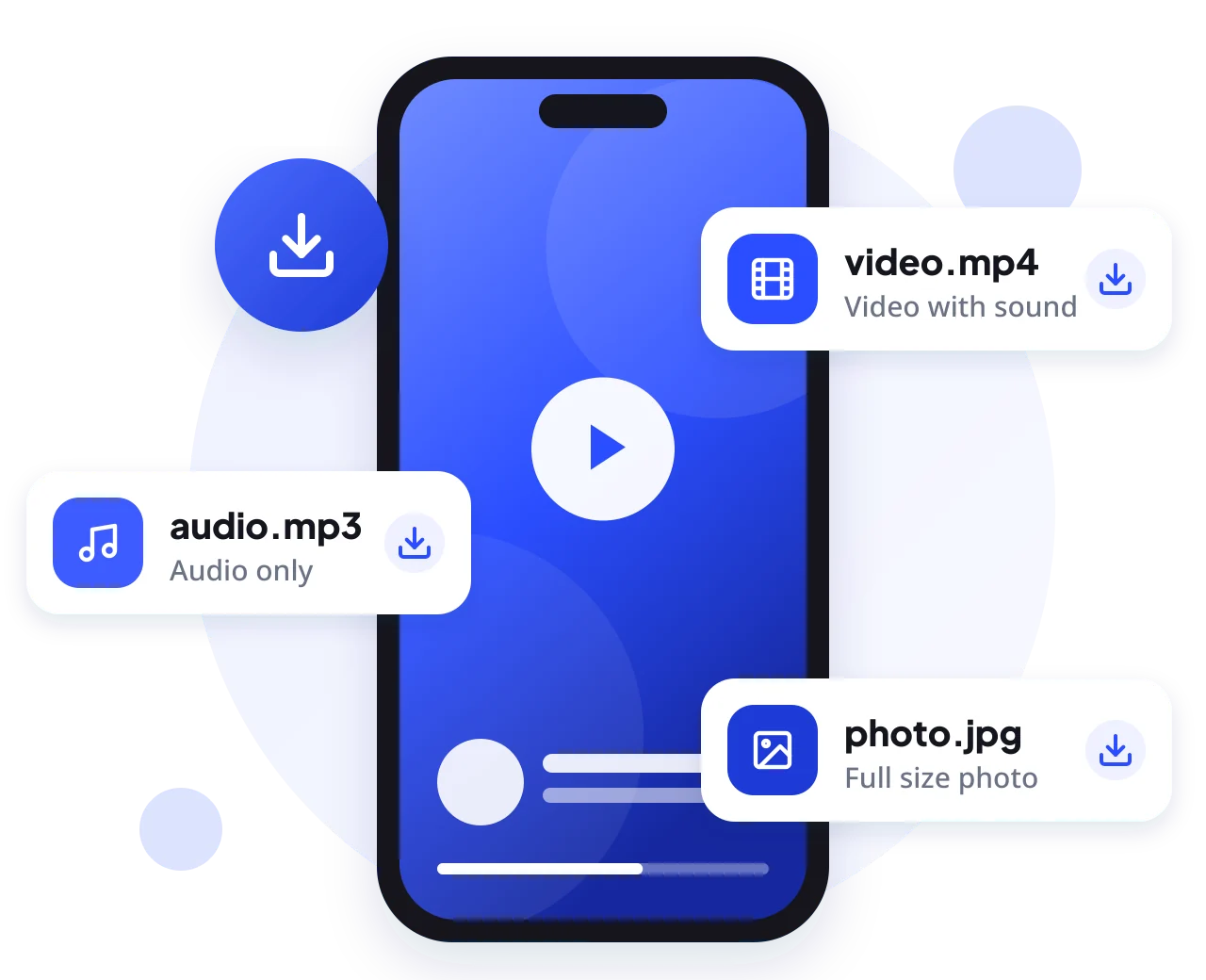
DownIGVideo is a free online tool that lets you download video Instagram posts and reels straight from your browser. There is nothing to install and no account to create. Copy the link of a public post, drop it into the box above, and the tool pulls out the real media file that Instagram serves, so what you save is the same video you watched in the app, not a blurry screen recording.
We built this Instagram video downloader for people who save a lot: creators who keep backups of their own work, small businesses that reuse their reels on WhatsApp or YouTube Shorts, students saving a tutorial for offline study, and anyone who has ever lost a great clip because the account went private. One box handles videos, reels, photo posts, carousels, MP3 audio and profile pictures, so you never have to hunt for a different site for each job.
Every download runs through our own secure server. The file comes to you with a clean name, the link expires after a short time, and nothing about you or the post you saved is stored on our side. It is a simple, honest Instagram downloader that does one thing well.
How it works
How to Download Instagram Videos in 3 Simple Steps
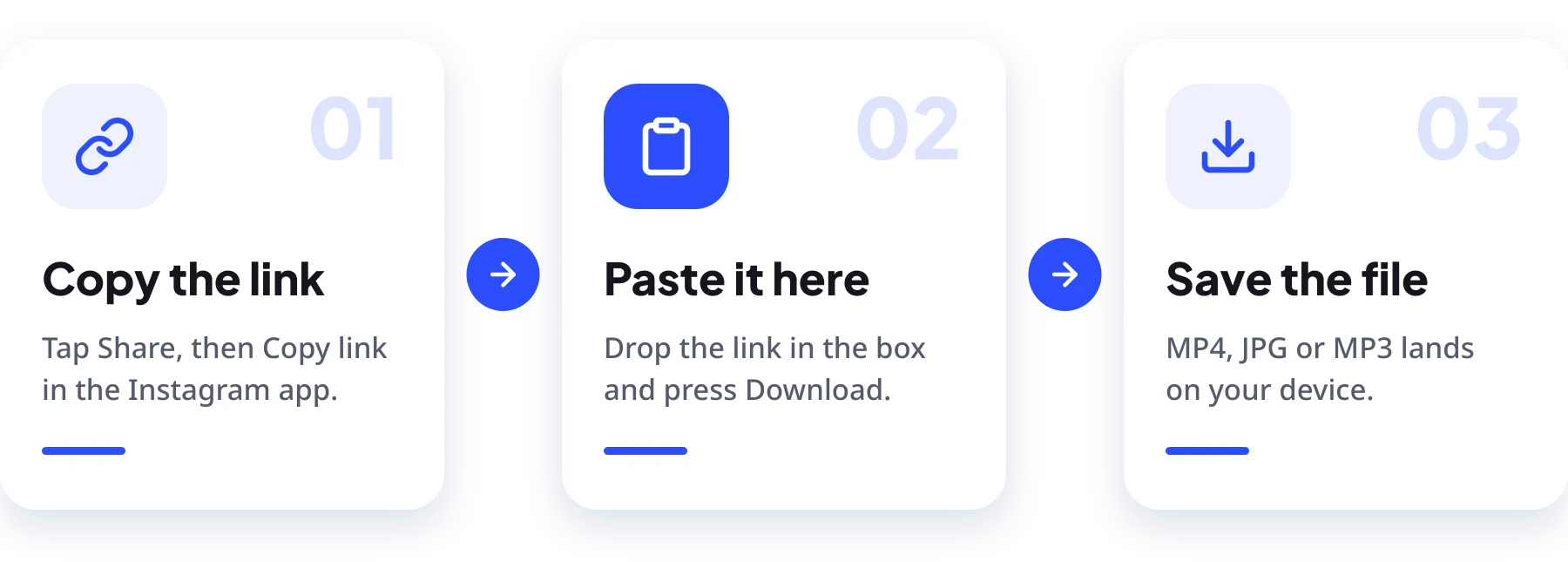
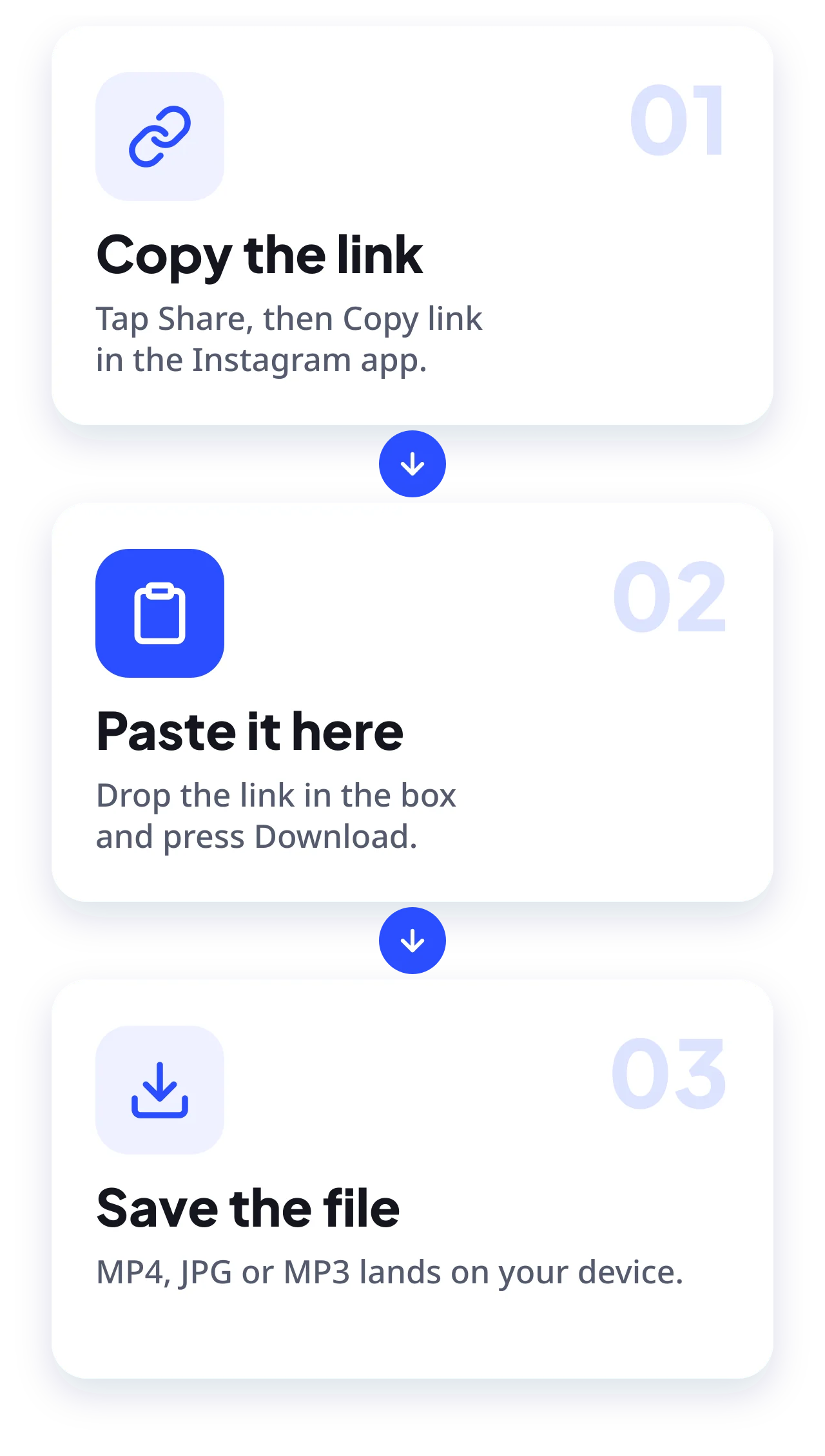
The whole Instagram video download takes less time than reading this paragraph. It works the same way on every device, whether you use the Instagram app or instagram.com in a browser.
1 Copy the Instagram link
Open the post or reel you want, tap the three dots or the share icon, then choose Copy link. On a computer you can simply copy the URL from the address bar.
2 Paste it into DownIGVideo
Come back to this page, paste the Instagram video download link into the box at the top and press Download. Pick a tab first if you only want audio or a profile picture.
3 Save the file
In a few seconds you will see a preview with download buttons. Tap the one you need and the file saves to your Downloads folder or gallery, ready to watch offline.
Tip: the tool accepts links to posts, reels and IGTV videos. For a profile picture, you can also type the username, with or without the @ sign.
Download types
What You Can Download With DownIGVideo
One tool, five kinds of downloads. Whether you want to download video Instagram reels or just grab a photo, here is what each option gives you.
Instagram Videos and Reels
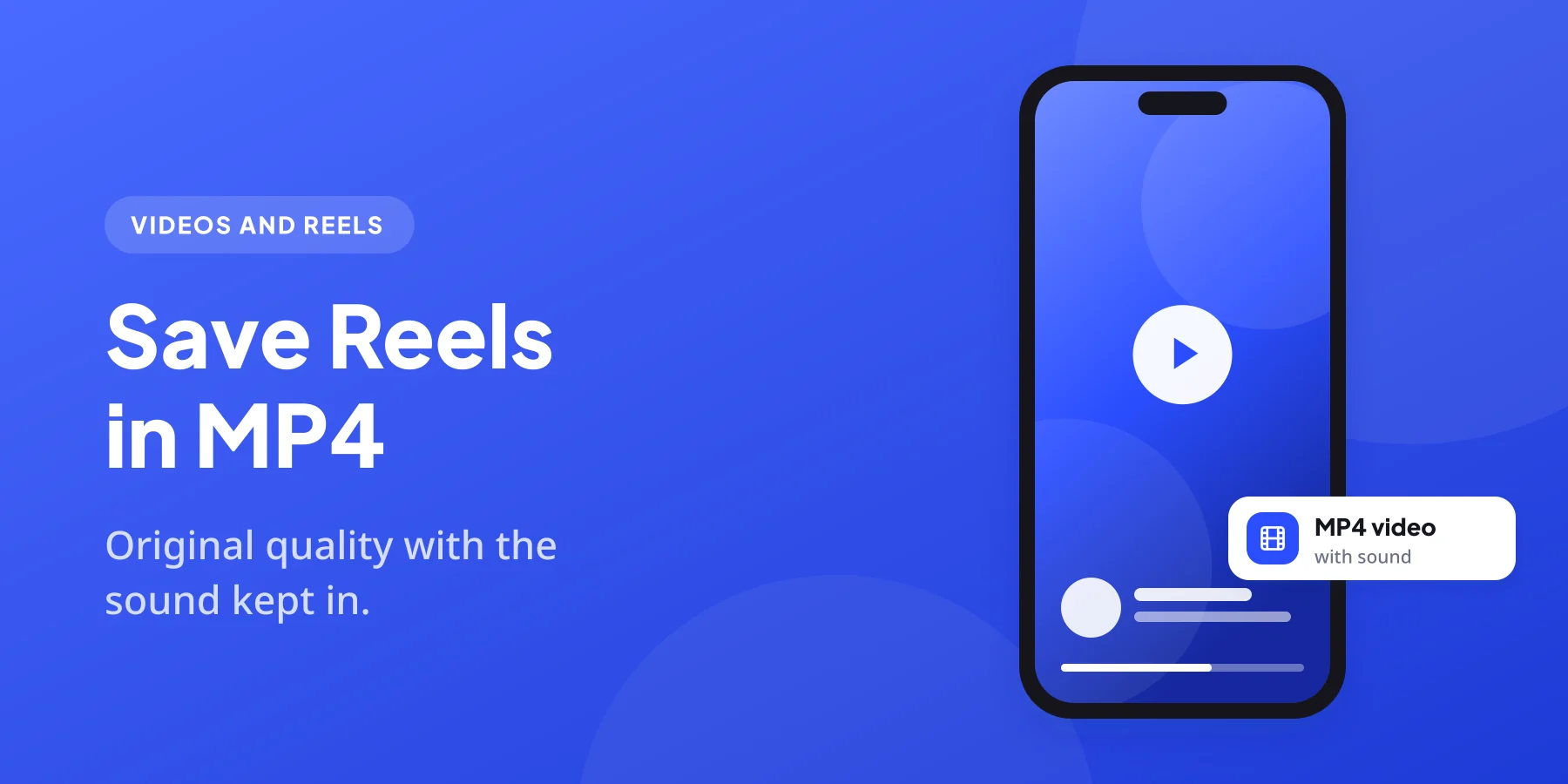
Save reels and feed videos as MP4 files with the original sound. You also get the cover image, which is handy when you re-upload a clip and want the same thumbnail. This is the core of our Instagram video downloader. For reels, our Instagram Reels downloader page has a full guide.
Photos and Carousels
Download single photos in the highest size Instagram provides. For carousel posts, every slide shows up separately, including any videos mixed in, so you can grab one or all of them with our Instagram photo downloader.
Audio as MP3
Want just the sound from a reel? Open the Instagram audio downloader and the tool turns the video into an MP3 right inside your browser.
Profile Pictures
Type a username into our Instagram DP downloader to save that account’s display picture. Instagram only shares a small version publicly, so expect a compact image, not a large one.
Video Covers
Every video result includes its thumbnail as a JPG. Useful for blog posts, playlists or simply remembering what a clip was about.
Why us
Why Choose Our Instagram Video Downloader?
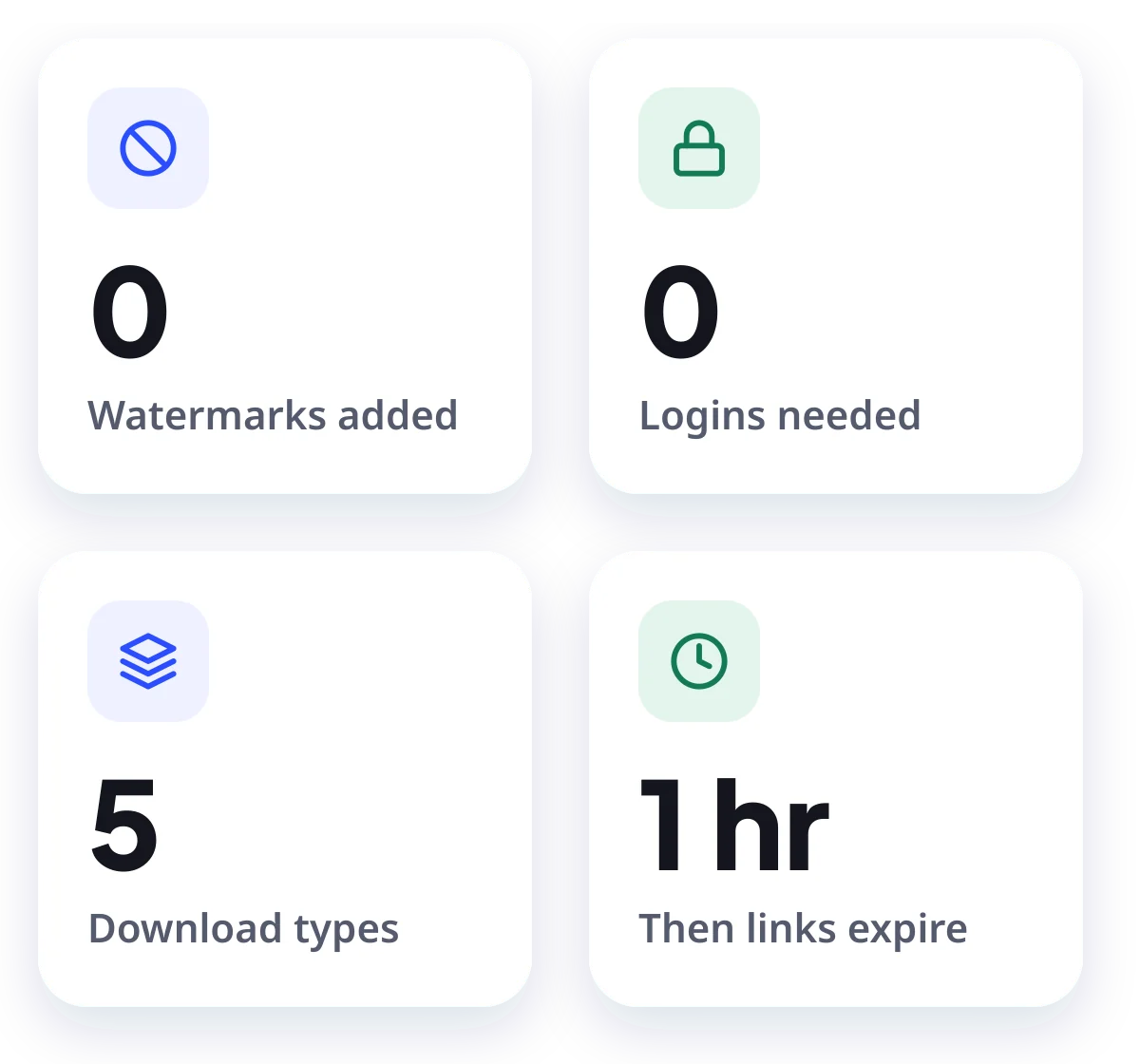
There are many sites that promise to download Instagram videos. Plenty of them cover the page in pop-ups, push you to install an app, or quietly lower the quality. We kept ours simple:
Every device
How to Download Instagram Videos on iPhone, Android and PC
DownIGVideo runs in the browser, so the steps barely change from one device to another. Pick yours below.
- Open Instagram, find the reel or post and tap the share icon, then Copy link.
- Open Safari (or Chrome) and go to downigvideo.com.
- Paste the link into the box and tap Download.
- Tap the download button under the preview. Safari saves the file to the Files app, inside Downloads.
- To move a video to Photos, open it in Files, tap Share and choose Save Video.
On iOS 13 and newer Safari has a built-in download manager, so you do not need any extra app.
- In the Instagram app tap the three dots on the post, or the share icon on a reel, and choose Copy link.
- Open Chrome or any browser and visit downigvideo.com.
- Paste the link and tap Download.
- Tap the file button. The video lands in your Downloads folder and shows up in the Gallery after a moment.
If the file does not appear in the Gallery right away, open the Files app and look under Downloads.
- Open instagram.com in your browser and click the post or reel.
- Copy the address from the URL bar, or use the three dots menu and pick Copy link.
- Open downigvideo.com in a new tab and paste the link.
- Click Download, then the file button. The video saves to your Downloads folder.
Chrome, Edge, Firefox, Safari and Brave all work. No extension or software is required.
Safety first
Is It Safe and Legal to Download Instagram Videos?
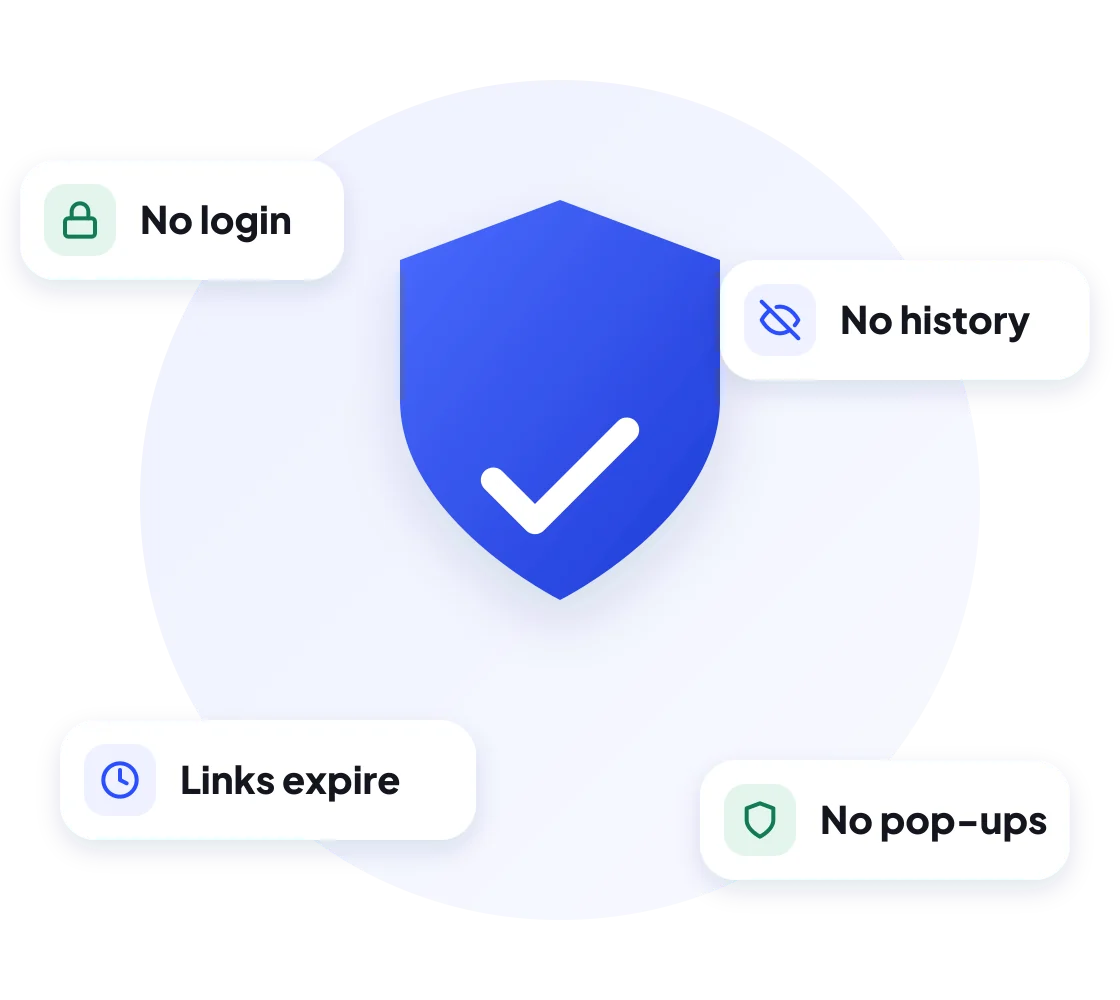
Using DownIGVideo is safe. The site never asks for your Instagram username or password, it does not install anything on your device, and there are no misleading download buttons hidden in ads. Files come straight from Instagram’s own servers through our private link, and each link stops working within an hour.
Whether a download is legal depends on what you do with it. Saving a public video for personal, offline viewing is generally fine. Re-posting someone else’s content as your own, or using it for commercial work without permission, can break copyright law and Instagram’s Terms of Use. A few simple rules keep you on the right side:
DownIGVideo is an independent tool. We are not affiliated with, endorsed by or connected to Instagram or Meta Platforms.
Pro tips
Tips to Download Video Instagram Posts Without Errors
Most links work on the first try. When one does not, it is almost always one of these small things:
Still stuck? Try the same link on another device or browser. If it works there, clearing your cache usually fixes the first one.
Supported content
What Works and What Doesn’t
We would rather be clear than overpromise. This table shows exactly what our Instagram downloader can and cannot save today.
| Content type | Supported | Notes |
|---|---|---|
| Public reels and videos | Yes | MP4 with sound, plus cover image |
| Public photos and carousels | Yes | Every slide saved separately |
| Audio from reels | Yes | Converted to MP3 in your browser |
| Profile pictures | Yes | Small size, the only one Instagram makes public |
| Reels using licensed music | Not yet | Instagram hides these files from outside tools |
| Private accounts | No | We only access what anyone can see without logging in |
| Stories and highlights | No | Not available on DownIGVideo at the moment |
| Deleted or archived posts | No | Once a post is gone from Instagram, it is gone |
FAQ
Frequently Asked Questions
Quick answers to what people ask most about our Instagram video downloader.
Get started
Save Your Next Favorite Reel
Copy a link, paste it at the top of this page and keep the video forever. It is free, it is quick and it works on any device.