
Reels · HD MP4 · No watermark
Instagram Reels Downloader
Paste a reel link and save it as an HD MP4 with the original sound. Free insta reels download for Android, iPhone and PC, with no login and no app.
Only public posts. We don't store your links or files.
- HD & original quality
- No watermark
- No login
- iPhone, Android & PC
Table of Contents 13 sections
- Download Instagram Reels Online in HD, Free
- How to Download Instagram Reels in 3 Steps
- How to Copy an Instagram Reel Link
- How to Download Reels on Android, iPhone and PC
- What You Get From Every Reel
- Why Use Our Instagram Reels Downloader?
- Instagram's Download Button vs DownIGVideo
- Why People Save Reels Offline
- Reel Not Downloading? Quick Fixes
- What Are Instagram Reels?
- Is It Legal and Safe to Download Instagram Reels?
- More Free Instagram Downloaders
- Instagram Reels Downloader FAQs
About the tool
Download Instagram Reels Online in HD, Free
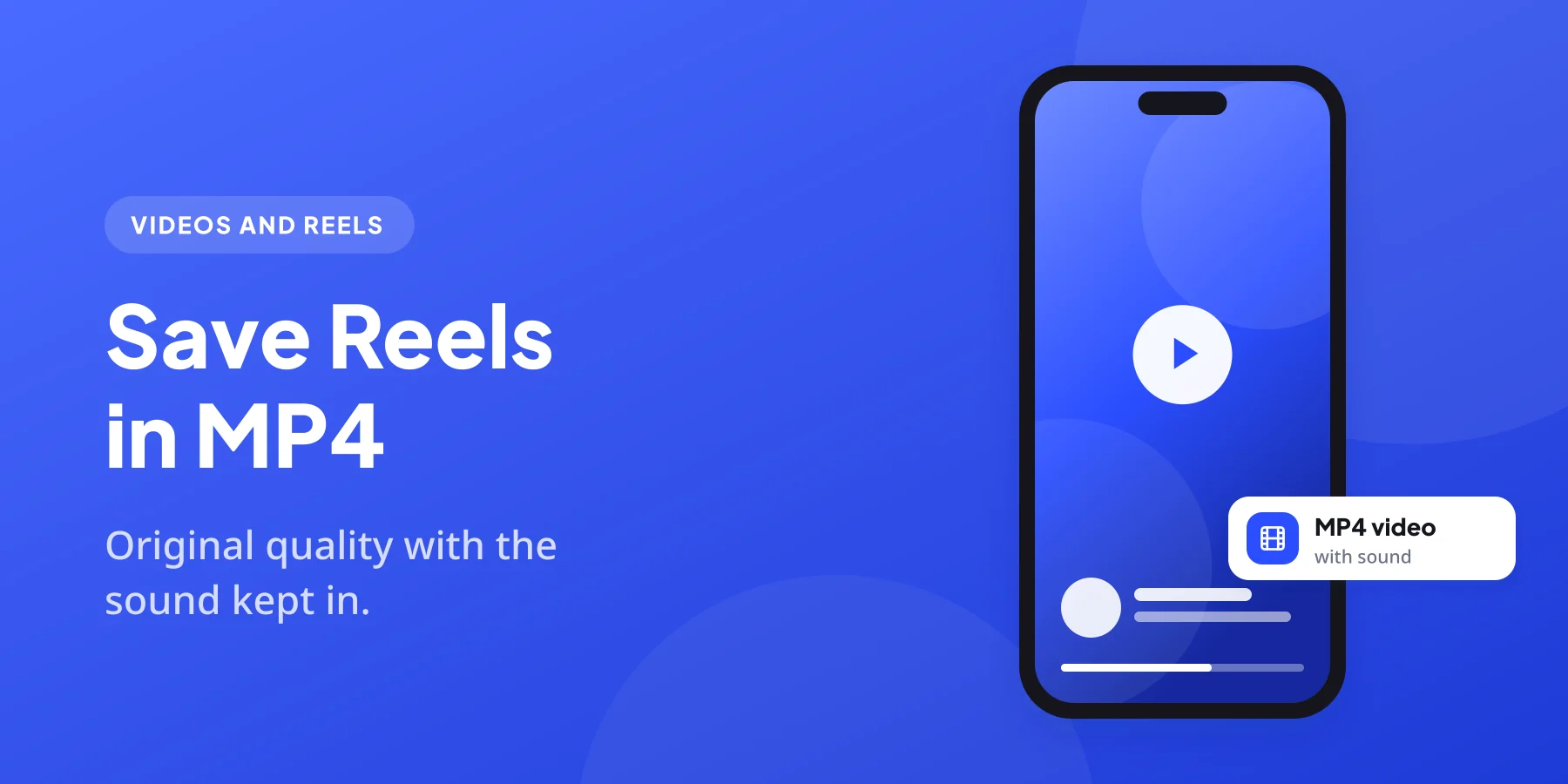
DownIGVideo is a free Instagram Reels downloader that works right in your browser. Copy the link of any public reel, paste it into the box above and you get the actual video file that Instagram streams, in MP4 format with the original sound. There is no screen recording, no blurry copy and no logo stamped on top.
Most people who download Instagram reels want the same few things: a clean file, good quality and no hassle. That is exactly what this page is built for. You do not need an Instagram account, an extension or an app. The tool runs on Android phones, iPhones, tablets and computers, and most reels are ready to save in a few seconds, even on a normal 4G connection.
Along with the video, every result also gives you the reel’s cover image as a JPG. If you only want the sound, switch to the Audio tab and the same link turns into an MP3.
How it works
How to Download Instagram Reels in 3 Steps
Using our Instagram Reels downloader is the same on every device. The whole insta reels download usually takes less than 15 seconds.
1 Copy the reel link
Open the reel in Instagram, tap the share (paper plane) icon or the three dots and choose Copy link. On a computer, copy the address from the browser bar.
2 Paste it above
Come back to this page, paste the link into the box and press Download. The Reels tab is already selected for you.
3 Save the MP4
A preview appears with download buttons. Tap Download video and the reel saves to your phone or computer, ready to watch offline.
Tip: a reel link looks like instagram.com/reel/ followed by a short code. Links copied from a caption or a profile page will not work.
Finding the link
How to Copy an Instagram Reel Link
You can copy a reel link from almost anywhere in Instagram. Here are the places people use most:
Once the link is on your clipboard, the Paste button inside the box above drops it in with one tap.
Every device
How to Download Reels on Android, iPhone and PC
Our Instagram Reels downloader runs in the browser, so you use it the same way everywhere. Only the place where the file lands changes. Pick your device:

- In the Instagram app, open the reel, tap the share icon and choose Copy link.
- Open Chrome (or any browser) and go to downigvideo.com/instagram-reels-downloader.
- Paste the link and tap Download.
- Tap Download video. The reel goes to your Downloads folder and appears in the Gallery or Google Photos after a moment.
If the reel does not show in the Gallery right away, open the Files app, then Downloads, or follow our guide on how to save Instagram reels to gallery. From there you can share it straight to WhatsApp.
- Open the reel in Instagram, tap the share icon and choose Copy link.
- Open Safari and visit this page.
- Paste the link and tap Download, then Download video.
- Safari saves the reel in the Files app under Downloads.
- To move it to the Photos app, open the file, tap Share and choose Save Video.
This works on iOS 13 and later with Safari’s built-in download manager, so you do not need any third-party app.
- Open instagram.com in your browser and click the reel.
- Copy the URL from the address bar.
- Open DownIGVideo in a new tab, paste the link and click Download.
- Click Download video. The MP4 saves to your Downloads folder.
Chrome, Edge, Firefox, Safari and Brave all work. No software or browser extension is needed.
File formats
What You Get From Every Reel
When you use our Instagram Reels downloader, you are not limited to the video. Each result can give you up to three files:
| File | Format | Details |
|---|---|---|
| Reel video | MP4 | The quality Instagram serves for that reel, usually 720p or 1080p, with the original sound |
| Cover image | JPG | The thumbnail of the reel, handy for re-uploads, blogs or playlists |
| Audio only | MP3 | Choose the Audio tab to turn the reel sound into an MP3 in your browser |
We never re-encode the video, so what you save is the same file you watched in the app. If a creator uploaded in high quality, your copy will be high quality too.
Why us
Why Use Our Instagram Reels Downloader?
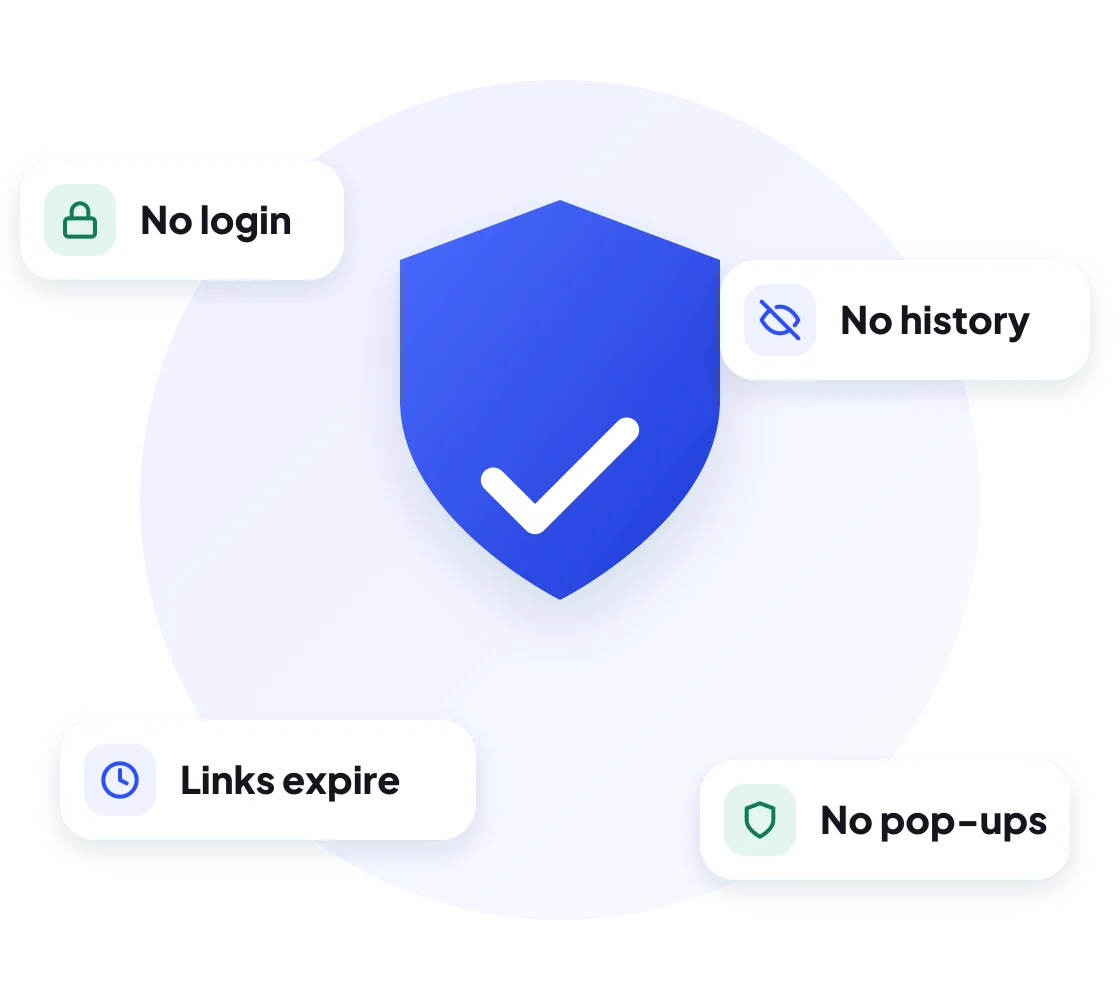
There are many reels downloaders out there. Plenty of them hide the real button between ads, ask you to install an app or quietly lower the quality. We kept ours simple and honest:
Compare
Instagram’s Download Button vs DownIGVideo
Instagram now shows a Download option on some public reels. It is useful, but it has limits that our Instagram Reels downloader does not:
| Feature | Instagram’s button | DownIGVideo |
|---|---|---|
| Watermark | Adds the Instagram logo and username | Clean file, no watermark |
| Availability | Only if the creator allows downloads | Any public reel, except locked music |
| Works on a computer | No | Yes, in any browser |
| Cover image and MP3 | No | Yes, both included |
| Needs an Instagram account | Yes | No |
If you are saving your own reel to post on YouTube Shorts or Facebook, a watermark-free file also looks far more professional.
Use cases
Why People Save Reels Offline
An offline copy is useful far more often than you might think. These are the most common reasons people use an Instagram Reels downloader:
- Backing up your own work. Creators keep copies of their reels in case an account is lost or hacked.
- Sharing on WhatsApp. Send a reel to family or post it as a WhatsApp status without forcing anyone to open Instagram.
- Watching without internet. Save tutorials, recipes or workouts and play them on a train or a flight.
- Saving mobile data. Download once on Wi-Fi instead of streaming the same reel again and again.
- Editing and reposting your content. Import the MP4 into CapCut, InShot or VN to make a new version of your own reel.
Troubleshooting
Reel Not Downloading? Quick Fixes
Most links work on the first try in our Instagram Reels downloader. When one does not, the reason is almost always one of these:
Good to know
What Are Instagram Reels?
Reels are Instagram’s short vertical videos, made to compete with TikTok and YouTube Shorts. They can be up to three minutes long and often include music, voiceovers, text, filters and effects. Reels appear in their own tab, on profiles and in the main feed, which is why they get far more views than ordinary video posts.
Because reels are built for quick viewing, Instagram does not give everyone a way to keep them. An Instagram Reels downloader fills that gap by saving the reel as a normal MP4 file that plays in any video player, gallery or editing app.
Safety first
Is It Legal and Safe to Download Instagram Reels?
Using DownIGVideo as your Instagram Reels downloader is safe. We never ask for your Instagram login, there is nothing to install and there are no fake download buttons. The creator is not notified when you save their reel, because the tool reads only what is already public.
Whether a reels download is legal depends on how you use it. Saving a public reel for personal, offline viewing is generally fine. Re-posting someone else’s reel as your own, or using it in paid work without permission, can break copyright law and Instagram’s terms. Follow these simple rules:
DownIGVideo is an independent tool and is not affiliated with Instagram or Meta Platforms, Inc. Read our Disclaimer and DMCA Policy for details.
More tools
More Free Instagram Downloaders
Our Instagram Reels downloader is just one part of DownIGVideo. The same box handles more, and each tool has its own guide:
FAQ
Instagram Reels Downloader FAQs
Quick answers to the questions people ask most before they download Instagram reels.
Get started
Save Your Favorite Reels in HD
Copy a reel link, paste it into the Instagram Reels downloader at the top of this page and keep it forever. Free insta reels download, no login needed.