
Username or link · No login · Anonymous
Instagram DP Downloader
Type a username or paste a profile link to view and save any Instagram profile picture. A free insta DP download and viewer with no login and no app.
Only public posts. We don't store your links or files.
- HD & original quality
- No watermark
- No login
- iPhone, Android & PC
Table of Contents 14 sections
- What Is an Instagram DP Downloader?
- How to Download an Instagram DP in 3 Steps
- How to Copy an Instagram Username or Profile Link
- What Size Is the Downloaded DP?
- How to Download Insta DP on Android, iPhone and PC
- Features of Our Insta DP Viewer and Downloader
- Will Someone Know if I Download Their DP?
- Can You Download the DP of a Private Account?
- When an Instagram DP Downloader Is Useful
- DP Downloader vs Screenshot vs Zoom
- DP Not Loading? Quick Fixes
- Is It Legal and Safe to Download Instagram DPs?
- More Free Instagram Downloaders
- Instagram DP Downloader FAQs
About the tool
What Is an Instagram DP Downloader?
An Instagram DP downloader is a tool that shows an account’s profile picture as a normal square image and lets you save it. Inside the app, a DP (display picture) only appears as a tiny circle, and Instagram gives you no way to open it larger or keep a copy. DownIGVideo fixes that in a few seconds.
Just enter the username, with or without the @ sign, or paste the profile link. The tool looks up the public profile, shows you the picture without the round crop and gives you a Download button. You do not need an Instagram account, and the person is never notified.
What do DP and PFP mean?
DP stands for display picture, the term most people use in India and South Asia. PFP means profile picture and is more common in the US. Both mean the same thing: the small photo at the top of an Instagram profile.
How it works
How to Download an Instagram DP in 3 Steps
Our Instagram DP downloader needs only a username. Here is the whole insta DP download process:
1 Get the username
Open the profile in Instagram and note the username at the top, or tap the three dots and choose Copy profile URL.
2 Paste it above
Type the username or paste the profile link into the box at the top of this page and press Download. The DP tab is already selected.
3 View and save
The profile picture appears without the circle crop. Tap Download DP to save it to your phone or computer.
Tip: you can enter @username, username or instagram.com/username. All three work.
Finding the profile
How to Copy an Instagram Username or Profile Link
Note that the name in bold on a profile is the display name, which can contain spaces and emojis. The tool needs the username, the handle that appears after the @.
Honest answer
What Size Is the Downloaded DP?
This is where many sites stretch the truth, so here is a straight answer. Instagram stores profile pictures at a small size, and only a compact version is shared publicly. Our Instagram DP downloader gives you that public image, which is typically a square between 150 and 320 pixels.
| Where you see the DP | Shape | Typical size |
|---|---|---|
| Instagram app (profile circle) | Round crop | About 150 px, shown even smaller |
| DownIGVideo download | Full square, no crop | 150 to 320 px, the public version |
| Sites claiming 1080p or 4K | Square | Upscaled copy, no real extra detail |
A small file is still useful: you see the whole picture without the circle crop, clear enough to recognise a person, a logo or a product. If a site promises an Instagram DP in 4K, it is simply enlarging the same small image, which only makes it bigger and blurrier.
Tips to view a small DP more clearly
- Open the saved image in your Gallery or Photos app and pinch to zoom.
- On a computer, view it at 100% or 200% rather than full screen.
- Avoid stretching it as a wallpaper, which makes any image look soft.
Every device
How to Download Insta DP on Android, iPhone and PC
The insta DP viewer works in any browser, so the steps are almost the same everywhere:
- Open Chrome and go to downigvideo.com/instagram-dp-downloader.
- Type the username or paste the profile link.
- Tap Download, then Download DP.
- The image saves to the Downloads folder and appears in your Gallery.
You can also press and hold the preview and choose Download image.
- Open this page in Safari.
- Enter the username or profile link and tap Download.
- Tap Download DP. The image goes to the Files app under Downloads.
- To add it to Photos, open it in Files, tap Share and choose Save Image.
Pressing and holding the preview and choosing Save to Photos is the quickest route on iPhone.
- Open DownIGVideo in any browser.
- Type the username or paste the profile URL.
- Click Download, then Download DP.
- The JPG saves to your Downloads folder.
Right-clicking the preview and choosing Save image as also works.
Why us
Features of Our Insta DP Viewer and Downloader
Privacy
Will Someone Know if I Download Their DP?
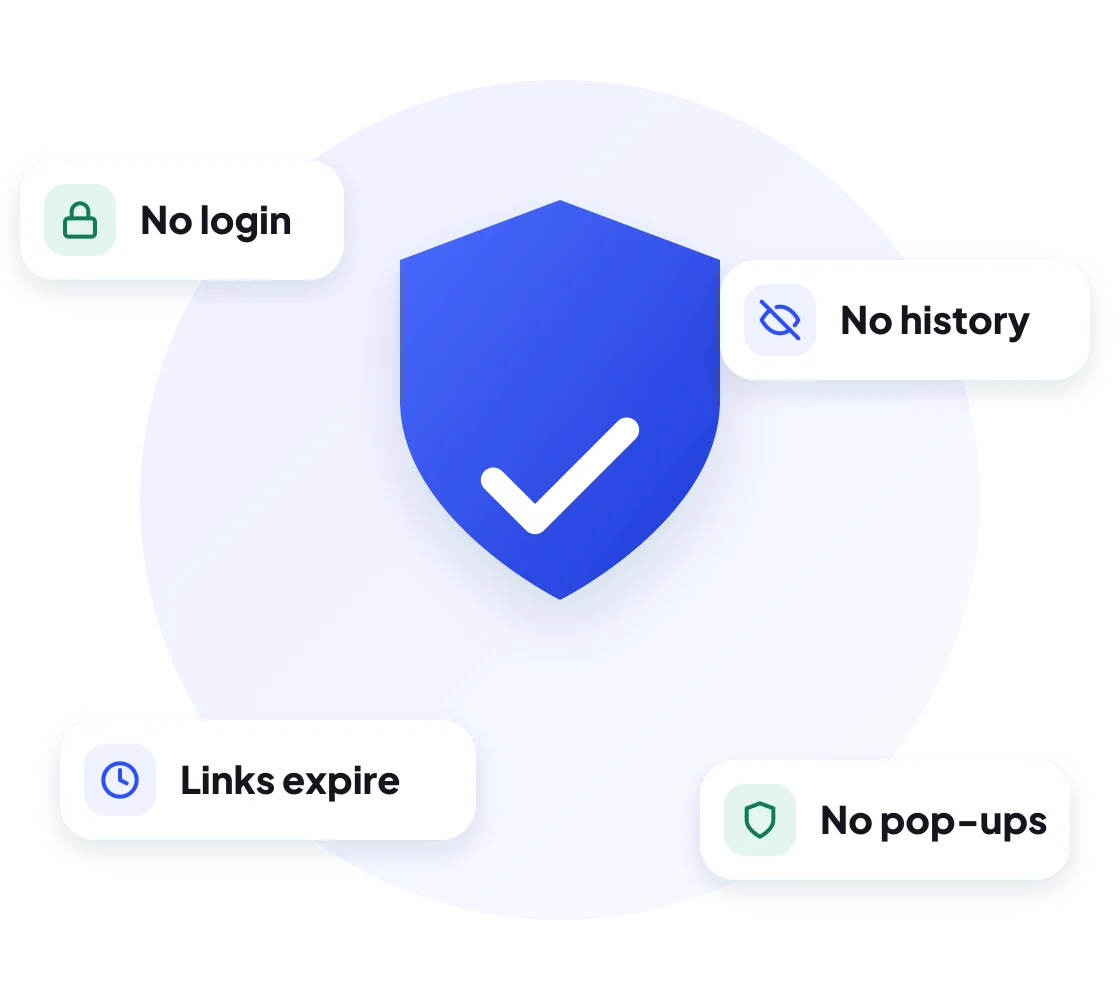
No. Our Instagram DP downloader does not log in to Instagram as you, does not visit the profile from your account and does not follow or message anyone. It only reads the profile picture that Instagram already shows to the public, so the account owner gets no notification and the visit does not appear anywhere in their insights.
Private accounts
Can You Download the DP of a Private Account?
Usually, yes. On Instagram, a profile picture is visible to everyone, even when the account is private. That is why our insta DP viewer can normally show it. What stays hidden are the posts, reels and stories of a private account, and DownIGVideo will never try to reach those.
If no picture appears, the account may use the default grey avatar, may have been renamed or deleted, or the username may contain a typo.
Use cases
When an Instagram DP Downloader Is Useful
- Saving your own old DP before you change it, so you keep a copy of the photo.
- Checking a business or seller before you buy, by looking at their logo or photo more closely.
- Spotting fake accounts. Run the saved DP through Google Lens or a reverse image search to see if the photo was copied from someone else.
- Keeping a memory of a friend’s or family member’s photo, for personal use.
- Verifying a creator before a brand deal or collaboration.
Compare
DP Downloader vs Screenshot vs Zoom
| Method | Full square image | Clean file | Works without login |
|---|---|---|---|
| Screenshot of the profile | No, round crop | No, includes app buttons | No |
| Zooming in the app | No, not possible on a DP | No | No |
| DownIGVideo DP downloader | Yes | Yes, a JPG file | Yes |
A screenshot also captures the circle mask, which cuts off the corners of the photo. Our Instagram DP downloader saves the full square picture instead.
Troubleshooting
DP Not Loading? Quick Fixes
Safety first
Is It Legal and Safe to Download Instagram DPs?
Viewing and saving a public profile picture for personal use is generally fine, and DownIGVideo is safe to use: there is no login, no app and no hidden download. The photo still belongs to its owner, though, and how you use it matters.
DownIGVideo is not affiliated with Instagram or Meta. Please respect people’s privacy. See our Privacy Policy and Terms of Use.
More tools
More Free Instagram Downloaders
Besides the Instagram DP downloader, the same box saves posts, reels and audio:
FAQ
Instagram DP Downloader FAQs
Common questions about viewing and saving Instagram profile pictures.
Get started
See Any Instagram DP Without the Circle
Type a username into the Instagram DP downloader above and save the profile picture in seconds. Free, anonymous and no login needed.