
Photos · Carousels · Full size
Instagram Photo Downloader
Save any public Instagram photo, or every slide of a carousel, in full size. Free insta photo download with no login, no app and no watermark.
Only public posts. We don't store your links or files.
- HD & original quality
- No watermark
- No login
- iPhone, Android & PC
Table of Contents 12 sections
- Download Instagram Photos in Full Resolution
- How to Download Photos From Instagram in 3 Steps
- Carousel Download: Every Slide, Not Just the First
- What Resolution and Format Do You Get?
- How to Download Instagram Photos on Any Device
- Why Use Our Instagram Photo Downloader?
- What People Use an Instagram Photo Downloader For
- Instagram's Save Button vs a Real Download
- Photo Not Downloading? Try These Fixes
- Is It Legal to Download Instagram Photos?
- More Free Instagram Downloaders
- Instagram Photo Downloader FAQs
About the tool
Download Instagram Photos in Full Resolution
DownIGVideo is a free Instagram photo downloader for anyone who wants a proper copy of a picture instead of a cropped screenshot. Paste the link of a public post and the tool fetches the original image file Instagram stores, in JPG format and at the largest size it makes available.
It works for single photo posts and for carousels, the posts you swipe through. Every slide shows up separately with its own button, including any videos mixed in, so you can save one picture or the whole album. There is no account to create, no app to install and no watermark on your files.
People use it to keep their own posts, save wallpapers and quotes, collect recipes and study notes, or build a mood board for design work. Whatever the reason, the steps take less than a minute.
How it works
How to Download Photos From Instagram in 3 Steps
Our Instagram photo downloader works the same way on phones and computers. Here is the full insta photo download process:
1 Copy the post link
Open the photo or carousel in Instagram, tap the three dots or the share icon and choose Copy link. On a computer, copy the URL from the address bar.
2 Paste it above
Paste the link into the box at the top of this page and press Download. The Photo tab is already selected.
3 Save your photos
Each image appears with a Download photo button. Tap the ones you want and they save straight to your device.
Tip: post links look like instagram.com/p/ followed by a short code. For a profile picture, use our Instagram DP downloader instead.
Carousels
Carousel Download: Every Slide, Not Just the First
A carousel (also called an album or slideshow) is a single post with several photos or videos that you swipe through. Instagram allows up to 20 slides in one post, and many tools only grab the first one. Our Instagram photo downloader shows all of them.
Image quality
What Resolution and Format Do You Get?
Instagram resizes every upload to a set of standard sizes, and our Instagram photo downloader always picks the largest version available. These are the most common sizes you will see:
| Post shape | Aspect ratio | Typical size |
|---|---|---|
| Square | 1:1 | 1080 x 1080 px |
| Portrait | 4:5 | 1080 x 1350 px |
| Tall portrait (newer posts) | 3:4 | 1080 x 1440 px |
| Landscape | 1.91:1 | 1080 x 566 px |
Photos download as JPG files, the same format Instagram uses. Be careful with sites that promise 4K Instagram photos: Instagram does not store images that large, so a 4K file is just an upscaled copy with no extra detail.
Why downloading beats taking a screenshot
A screenshot captures your screen, not the photo. It includes status bars and buttons, crops the edges and depends on your phone’s display. A real download gives you the clean original at its full width, with nothing to crop afterwards.
Every device
How to Download Instagram Photos on Any Device
The Instagram photo downloader runs in your browser, so it works on every phone and computer. Only the save location changes:
- In the Instagram app, open the post, tap the three dots or share icon and choose Copy link.
- Open Chrome and go to downigvideo.com/instagram-photo-downloader.
- Paste the link and tap Download.
- Tap Download photo on each image you want. Photos go to the Downloads folder and appear in the Gallery.
If the image opens in a new tab instead of downloading, press and hold it and choose Download image.
- Copy the post link from the Instagram app.
- Open Safari and visit this page.
- Paste the link, tap Download, then tap Download photo.
- The photo saves to the Files app under Downloads.
- To add it to Photos, open the image in Files, tap Share and choose Save Image.
You can also press and hold the preview and choose Save to Photos, which skips the Files app.
- Open the post on instagram.com and copy the URL from the address bar.
- Open DownIGVideo in another tab and paste the link.
- Click Download, then Download photo.
- The JPG saves to your Downloads folder.
Any modern browser works, including Chrome, Edge, Firefox, Safari and Brave.
Why us
Why Use Our Instagram Photo Downloader?
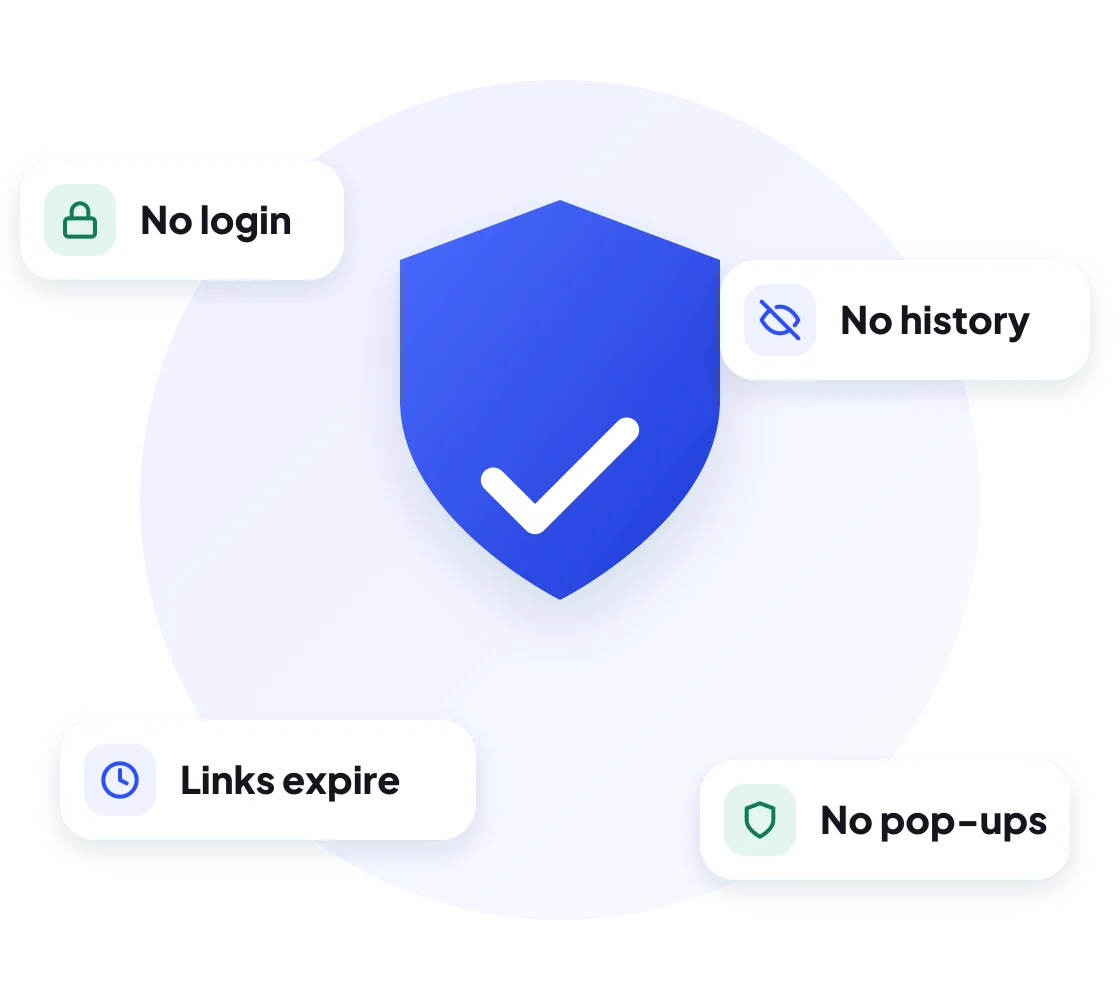
A good insta photo download should be quick and clean. Here is what you get with DownIGVideo:
Ideas
What People Use an Instagram Photo Downloader For
- Backing up your own posts before you archive or delete them, or in case you lose your account.
- Wallpapers and quotes for your phone lock screen or WhatsApp DP.
- Recipes, notes and infographics that you want to read offline without scrolling back to find them.
- Design references and mood boards for students, designers and small business owners.
- Product photos from your own shop to reuse on WhatsApp Business, Facebook or a website.
For anything that belongs to someone else, keep it for personal use and ask before you share it. More on that below.
Compare
Instagram’s Save Button vs a Real Download
Instagram has a Save (bookmark) icon under every post, but it does not download anything. It only adds the post to a private list inside the app. Here is the difference:
| Instagram Save | DownIGVideo download | |
|---|---|---|
| File on your phone | No | Yes, a JPG in your Gallery or Files |
| Works offline | No | Yes |
| Survives if the post is deleted | No | Yes |
| Can share on WhatsApp or email | Only as a link | As the actual image |
| Needs an Instagram account | Yes | No |
Troubleshooting
Photo Not Downloading? Try These Fixes
Safety first
Is It Legal to Download Instagram Photos?
Saving a public photo for personal use, such as keeping a wallpaper or a recipe, is generally fine. The photo still belongs to the person who posted it, and copyright laws, including India’s Copyright Act, 1957, protect their work. Problems start when you re-post, sell or edit someone else’s photo as if it were yours.
DownIGVideo is not affiliated with Instagram or Meta. We do not host any photos. Files come directly from Instagram’s public servers. See our DMCA Policy.
More tools
More Free Instagram Downloaders
Need something other than an Instagram photo downloader? These tools use the same simple box:
FAQ
Instagram Photo Downloader FAQs
Answers to the most common questions about saving Instagram photos and carousels.
Get started
Save Your Favorite Instagram Photos
Paste a post link into the Instagram photo downloader above and keep every slide in full size. Free and no login needed.