
Reels to MP3 · In your browser · Free
Instagram Audio Downloader
Turn any public reel or video into an MP3. Our Instagram to MP3 converter works inside your browser, with no login, no app and no upload.
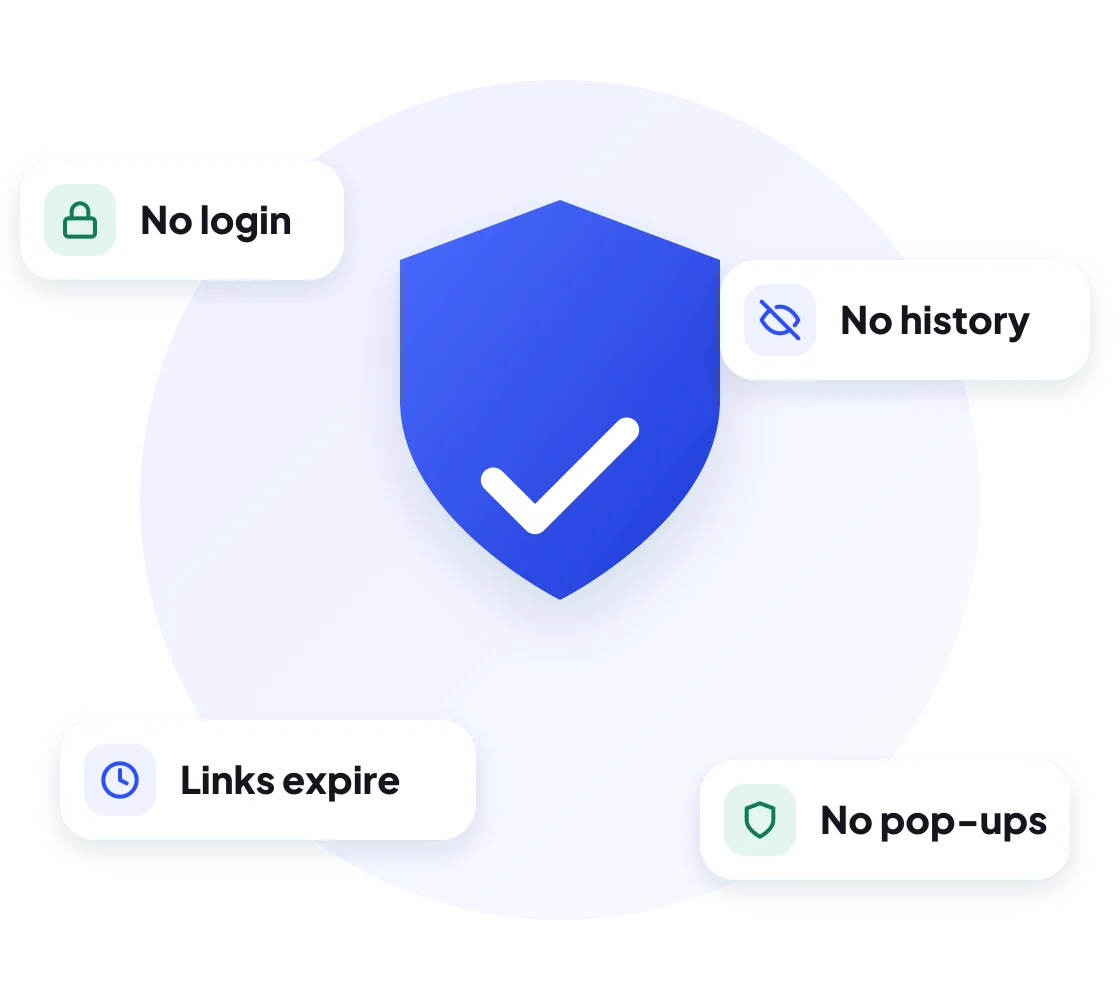
Only public posts. We don't store your links or files.
- HD & original quality
- No watermark
- No login
- iPhone, Android & PC
Table of Contents 13 sections
- Download Instagram Reels Audio as MP3
- How to Download Audio From Instagram in 3 Steps
- Why the Conversion Runs in Your Browser
- How to Download Instagram Audio on Any Device
- MP3 Quality: 128 kbps vs 320 kbps, Explained
- Original Audio vs Licensed Music: Why Some Reels Won't Convert
- Features of Our Instagram to MP3 Converter
- What You Can Do With Reels Audio
- Instagram's Save Audio vs Downloading an MP3
- MP3 Not Downloading? Quick Fixes
- Is It Legal to Download Instagram Audio?
- More Free Instagram Downloaders
- Instagram Audio Downloader FAQs
About the tool
Download Instagram Reels Audio as MP3
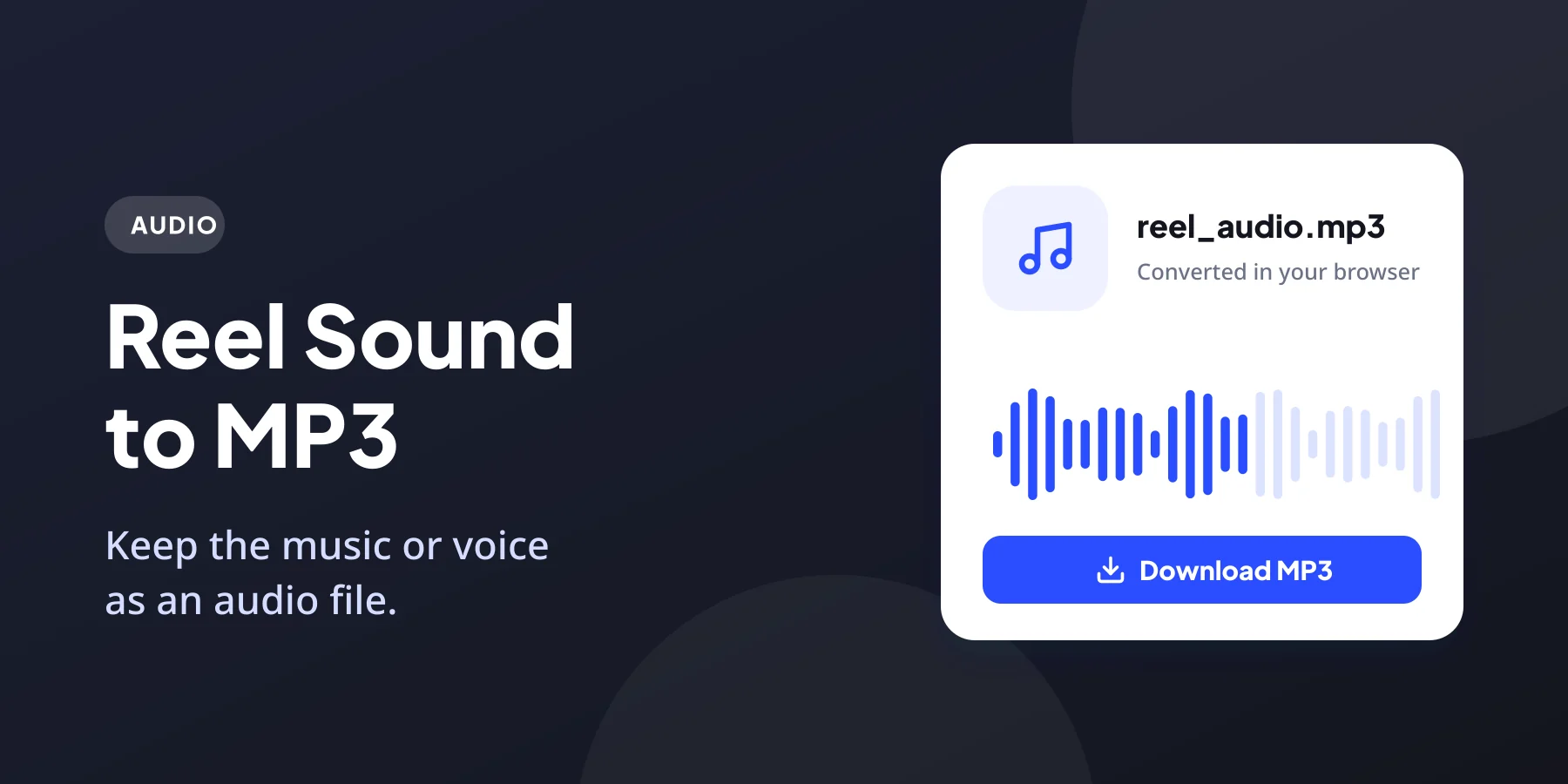
Heard a voiceover, a funny dialogue or a beat in a reel and want to download Instagram audio as a file? DownIGVideo’s Instagram audio downloader does exactly that. Paste the link of a public reel or video, and the tool pulls out the audio track and gives you an MP3 file you can play anywhere.
The conversion happens on your own device. Your browser downloads the video from Instagram, extracts the sound and builds the MP3 locally, so the file never passes through a conversion queue on our side. That keeps it fast and private.
The MP3 plays in any music app on Android, iPhone, Windows or Mac. Use it for offline listening, a ringtone, a video edit or simply to remember a song you liked.
How it works
How to Download Audio From Instagram in 3 Steps
Using the Instagram audio downloader to convert reels to MP3 takes three steps and usually under 20 seconds:
1 Copy the reel link
Open the reel or video in Instagram, tap the share icon or the three dots, and choose Copy link.
2 Paste it above
Paste the link into the box at the top of this page and press Download. The Audio tab is already selected.
3 Save the MP3
Tap Download MP3. Your browser converts the sound and saves the MP3 file to your device.
Tip: the link must point to a reel or a video post. Photo posts and profile pages have no sound to convert.
Privacy
Why the Conversion Runs in Your Browser
Most audio converters upload the video to their own server, convert it there and send it back. Our Instagram audio downloader skips that middle step. A small, open-source MP3 encoder (LAME) runs inside the page itself, so:
A recent version of Chrome, Safari, Edge or Firefox gives the best results. Very old browsers or low-memory phones may take a little longer on long videos.
Every device
How to Download Instagram Audio on Any Device
The Instagram audio downloader works in every modern browser. Here is where your MP3 ends up:
- Copy the reel link from the Instagram app.
- Open Chrome and go to downigvideo.com/instagram-audio-downloader.
- Paste the link, tap Download, then Download MP3.
- The MP3 saves to the Downloads folder and shows up in your music player.
To set it as a ringtone, open Settings, then Sound, then Ringtone, and pick the file from Downloads.
- Copy the reel link in Instagram.
- Open this page in Safari.
- Paste the link and tap Download, then Download MP3.
- The MP3 saves to the Files app under Downloads, where you can play or share it.
To use it as a ringtone on iPhone, import the MP3 into GarageBand, trim it to 30 seconds and export it as a ringtone.
- Open the reel on instagram.com and copy the URL.
- Paste it into the box on this page.
- Click Download, then Download MP3.
- The file saves to your Downloads folder and opens in any media player.
VLC, Windows Media Player, Apple Music and every editing app can open the MP3.
Sound quality
MP3 Quality: 128 kbps vs 320 kbps, Explained
Our Instagram audio downloader saves files at 128 kbps. That number is chosen on purpose. Instagram itself streams reel audio as AAC at roughly 128 kbps, so that is the most detail the source contains.
| Setting | File size per minute | What you actually hear |
|---|---|---|
| 128 kbps (DownIGVideo) | About 1 MB | Matches the quality of the original reel |
| 320 kbps (some other sites) | About 2.4 MB | Same sound, just a bigger file |
Converting a 128 kbps source to 320 kbps cannot add detail that was never there. It only makes the file larger and uses more storage and data. If a site promises 320 kbps from Instagram, the extra size is padding, not quality.
Important
Original Audio vs Licensed Music: Why Some Reels Won’t Convert
Reel sounds come from two places, and this decides whether a download works:
You can tell the difference by tapping the sound name at the bottom of a reel. If it shows the creator’s name with “Original audio”, you are good to go. If it shows a song title and artist, the reel is most likely locked. In that case, the official version of the song on Spotify, JioSaavn, YouTube Music or Apple Music is the better choice anyway.
Why us
Features of Our Instagram to MP3 Converter
Want the full video instead? Use our Instagram Reels downloader to get the MP4 with sound.
Ideas
What You Can Do With Reels Audio
- Listen offline. Keep motivational talks, comedy clips or devotional audio on your phone without streaming.
- Make a ringtone or alarm. Short, catchy reel sounds work perfectly as ringtones.
- Edit your own videos. Import your own original audio into CapCut, InShot, VN or Premiere Pro.
- Find a song name. Play the MP3 near Shazam or Google’s song search to identify the track.
- Keep voice notes from your own reels. Save podcasts, lessons or interviews you recorded as audio files.
Compare
Instagram’s Save Audio vs Downloading an MP3
Inside the app, you can tap a reel’s sound name and press Save. That adds the sound to Saved, then Audio, so you can use it later in your own reel with Use audio. It is handy for following trending sounds, but it never gives you a file.
| Instagram Save audio | DownIGVideo MP3 | |
|---|---|---|
| Audio file on your device | No | Yes |
| Play outside Instagram | No | Yes, in any music app |
| Use as ringtone or in editing apps | No | Yes |
| Works for licensed songs | Yes, inside Instagram | No, locked by Instagram |
| Needs an Instagram account | Yes | No |
Troubleshooting
MP3 Not Downloading? Quick Fixes
Safety first
Is It Legal to Download Instagram Audio?
Using an Instagram audio downloader for personal listening is generally fine. Publishing it is a different matter. Songs belong to artists and labels, and original audio belongs to the creator who recorded it. Using someone else’s sound in your own YouTube video or a paid project can lead to copyright claims.
DownIGVideo is not affiliated with Instagram or Meta. Read our Disclaimer for more.
More tools
More Free Instagram Downloaders
Besides the Instagram audio downloader, you can save these from the same box:
FAQ
Instagram Audio Downloader FAQs
Common questions about converting Instagram reels to MP3.
Get started
Turn Your Favorite Reel Into an MP3
Paste a reel link into the Instagram audio downloader above and save the sound in seconds. Free, private and no login needed.